Display Settings
Mekuru splits reader customization into two places: global defaults in Settings, and per-book quick settings inside the reader.
Global Reading Defaults
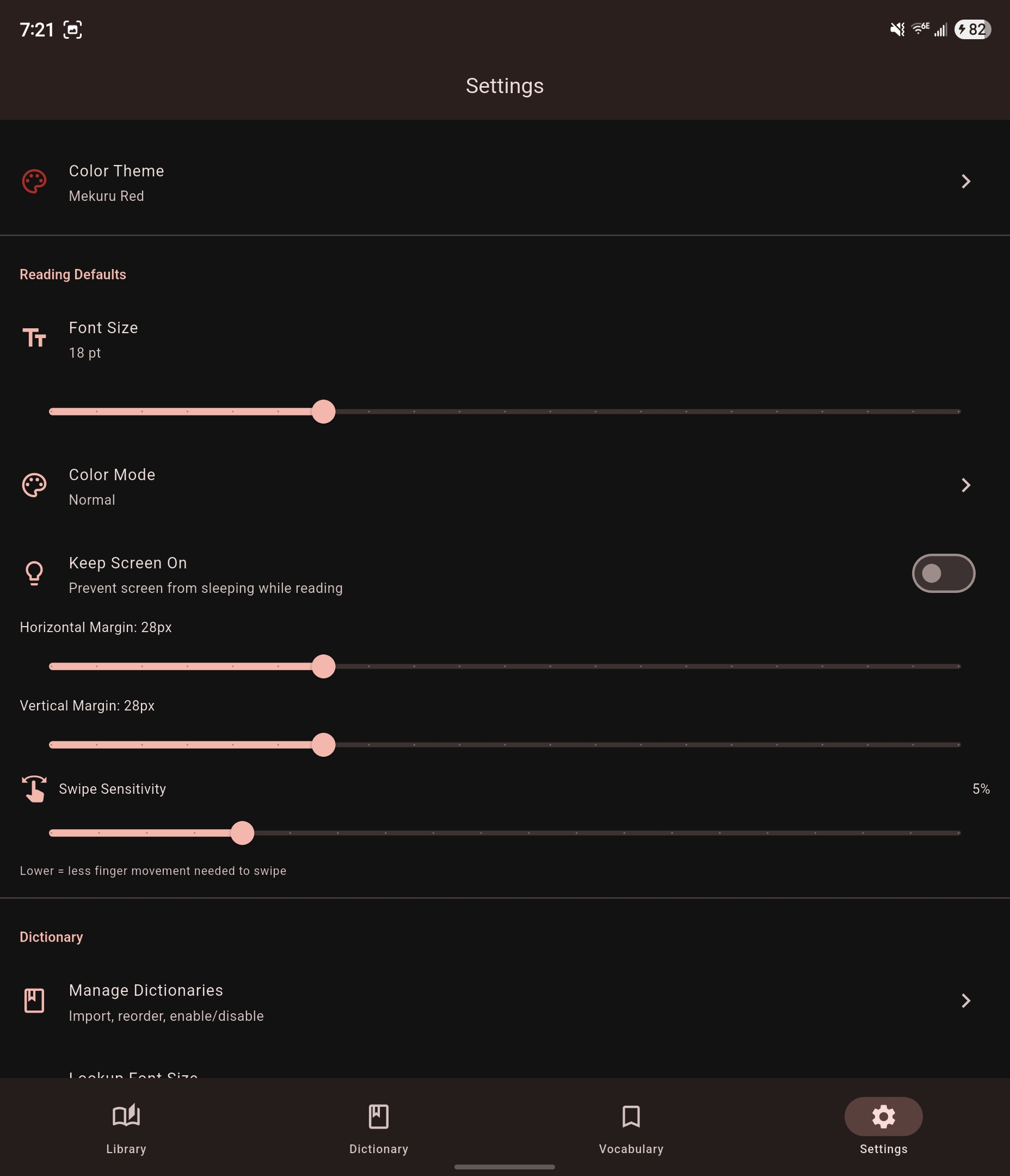
The Settings > Reading Defaults section controls the defaults used across books:
| Setting | What it controls |
|---|---|
| Font Size | Default reader text size |
| Color Mode | Normal, Sepia, or Dark |
| Sepia Intensity | Warmth level when Sepia mode is active |
| Keep Screen On | Prevent the screen from sleeping while reading |
| Horizontal Margin | Side padding around EPUB text |
| Vertical Margin | Top and bottom padding around EPUB text |
| Swipe Sensitivity | How far you need to drag before a page swipe triggers |
Per-Book Quick Settings
Inside an EPUB reader session, open the quick settings sheet for the current book to change:
| Setting | Notes |
|---|---|
| Vertical Text | Only available when the book supports it |
| Reading Direction | Switch between right-to-left and left-to-right for that book |
| Disable Links | Treat linked text as lookup targets instead of navigation |
These changes affect the current book view rather than the global app defaults.
Manga Reader Settings
Image-based manga does not use the EPUB text layout controls above. Instead, the manga reader exposes its own settings such as view mode, reading direction, auto-crop, and transparent lookup. See Reading Manga.